


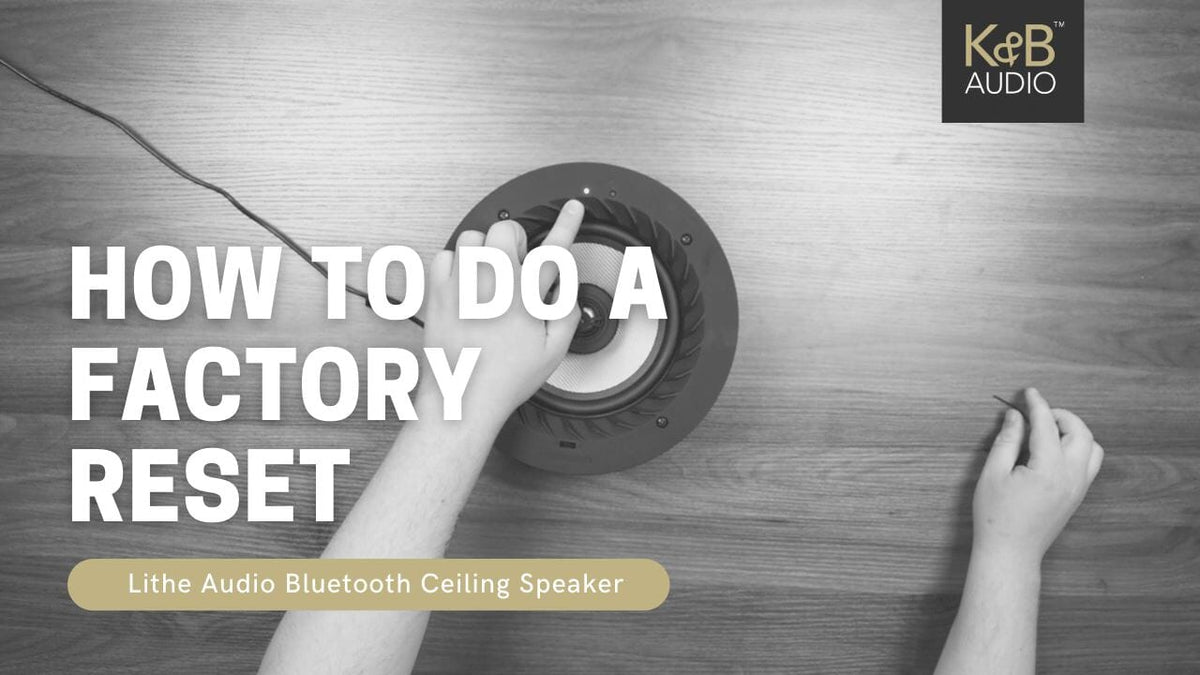
From time to time you may find that your speaker needs a reset either due to high Bluetooth activity within the room or that it just needs a refresh of its cache, doing a factory reset will put it back to the way it was fresh out of the warehouse.
How to do a Factory Reset on a Lithe Audio Bluetooth speaker
- Make sure Speaker is powered on (Check LED is on at the top)
- Find a small object or tool to use
- Press the reset button for 5 - 10 seconds
- The speaker will go through a reset process and once finished will flash blue when ready.
Looking to add speakers elsewhere in your home? Browse our full range of in-ceiling speakers.


